Tip
How to see the first message of an Instagram conversation
Instagram has no button to jump back to the start of a chat. For a conversation a few years old, that means hours of scrolling, and the app often stops loading messages along the way. Here is the only reliable method, with no scrolling.
Why the first message is so hard to find
Instagram loads messages in small batches as you scroll. The longer the conversation, the slower it gets, and the app can freeze or jump back to the bottom before you reach the start.
Searching a conversation only helps if you remember an exact word from your first exchanges, and there is no way to jump to a date.
The three possible methods
Scroll all the way up
Doable for a conversation of a few hundred messages. Beyond that, expect hours, with the risk of starting over if the app reloads.
Search for a word in the conversation
Useful if you remember a word from your first messages. Otherwise, search won’t take you back to the start.
Read your data export
On request, Instagram hands you a copy of all your conversations, from the first message to the last. It is the only method that works for every conversation, even ones from 2014: all that’s left is to make that file readable.
See the first message in 3 steps
- 1
Request your Instagram export
In Meta’s Accounts Center, request a copy of your messages in JSON format, for “All time”. Our guide walks through every setting.
- 2
Open it in Throwback
When Meta’s email arrives, download the ZIP file(s) and drop them into Throwback. Everything is read in your browser: your messages are never sent anywhere.
- 3
Go to the first message
Open the conversation and tap “Go to the first message”: you’re there in one click, with the exact date and time of your very first exchange.
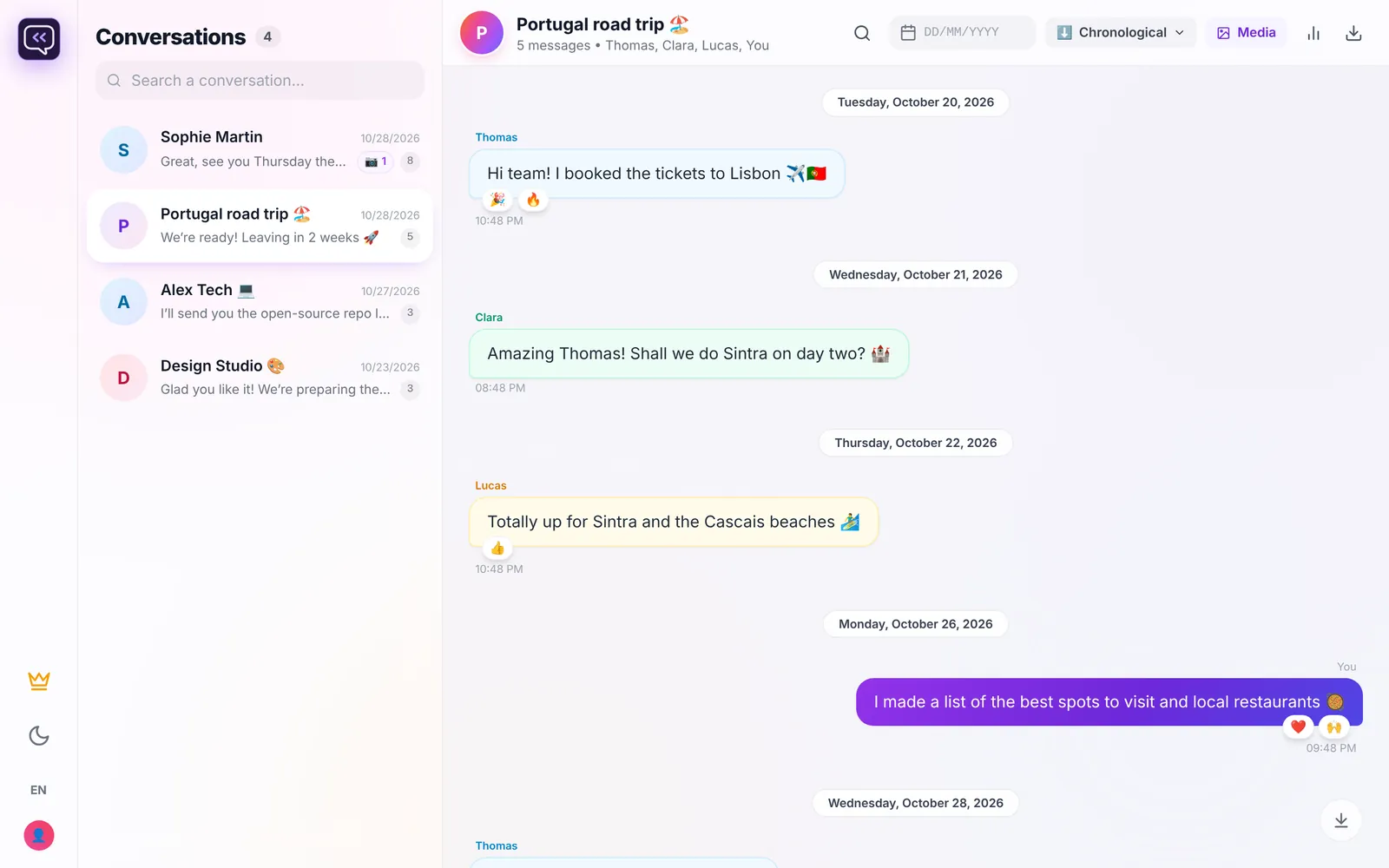
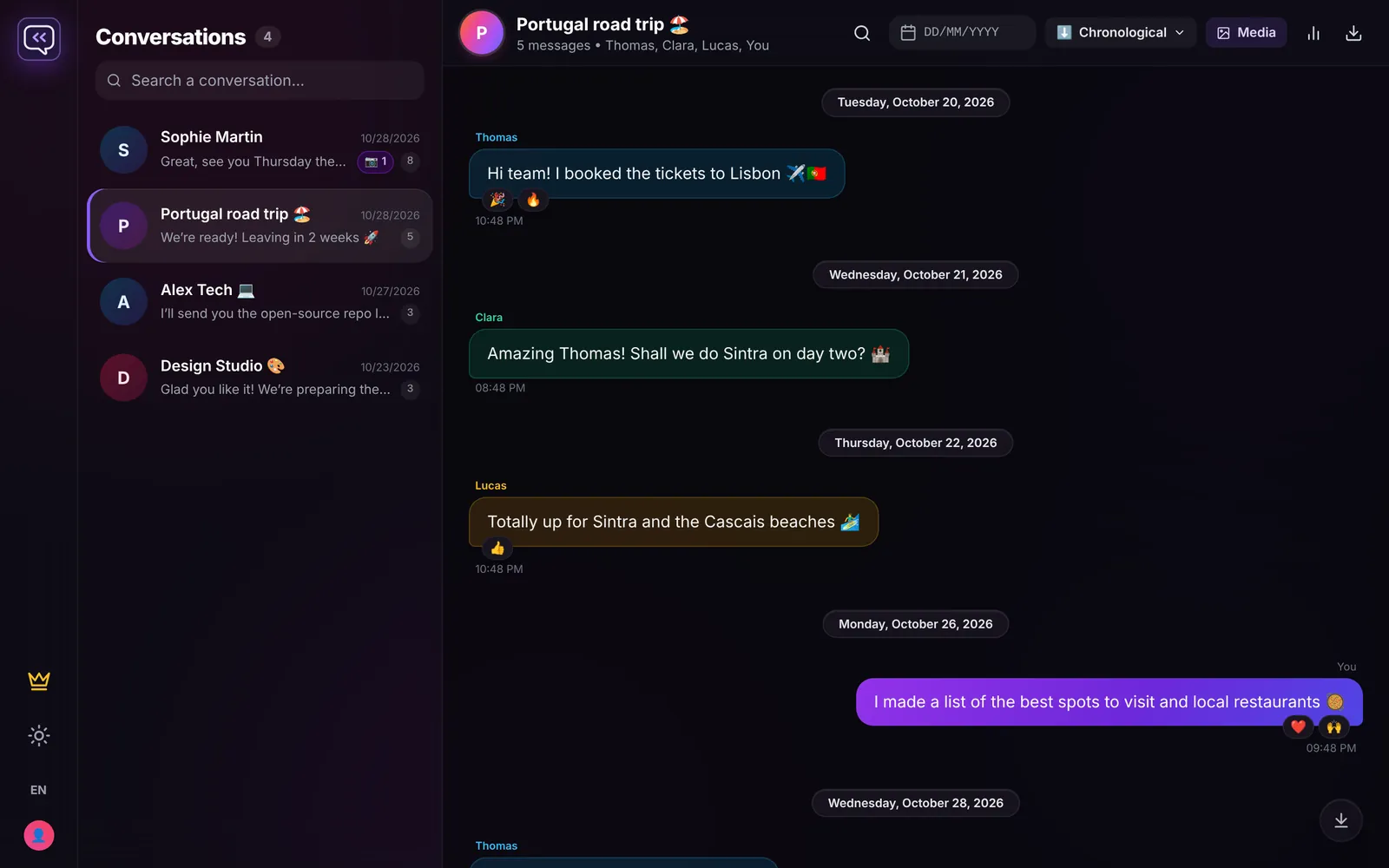
Reread old messages, year by year
Once the export is open, every conversation reads like in the app, with no limit. Jump to a specific date with the calendar, search a word across years of messages, and find photos, videos and voice messages in the chat’s gallery.
Group chats, reactions and edited messages are supported. The archive stays saved in your browser: it’s there on your next visit, no re-import needed.
Frequently asked questions
Can I see the first Instagram message without scrolling?
Not in the Instagram app. With your data export opened in Throwback, yes: the “Go to the first message” button takes you straight there.
Is the other person notified?
No. The export only concerns your account and Instagram notifies no one. Throwback reads the file on your device and never connects to your account.
Is it free?
Throwback shows the last 300 messages of every conversation for free, with a preview of the very first ones. To reread everything from the first message, Full access costs €6.99, as a one-time purchase.
Does it work on a phone?
Yes, in the browser of a phone or a computer. For an export of several gigabytes, a computer is more comfortable.
Find your first message
Request your export now: Meta often has it ready within a few hours.
Open Throwback