How to go to a specific date in an Instagram chat
Instagram has no way to search a chat by date. To reach a given day, like a birthday, the day you met or a trip, the only option is to scroll up through every message in between. Here is how to jump straight to any date of a conversation, even years back.
Why Instagram can’t take you to a date
Neither the Instagram app nor instagram.com has a date filter or a “go to date” option in conversations. You can only scroll up, one batch of messages at a time, and the longer the chat, the slower it gets.
Searching a conversation only helps if you remember an exact word from the day you’re after. Without one, there is no way to land on a given date.
3 ways to reach a date in an Instagram chat
Scroll up until you get there
Fine for last week. For a date months or years back, expect a long scroll, with nothing to tell you how far along you are.
Search for a word in the conversation
Works only if you remember an exact word said that day. Otherwise, search can’t take you to a date.
Pick the day in a calendar
Open your Instagram export in Throwback: the calendar in the conversation’s header takes you to the day you choose in one tap, on a phone too.
Jump to any date in 3 steps
- 1
Request your Instagram export
In Meta’s Accounts Center, request a copy of your messages in JSON format, for “All time”. Our guide walks through every setting.
- 2
Open it in Throwback
When Meta’s email arrives, download the ZIP file(s) and open them in Throwback, on your phone or on a computer.
- 3
Pick your date
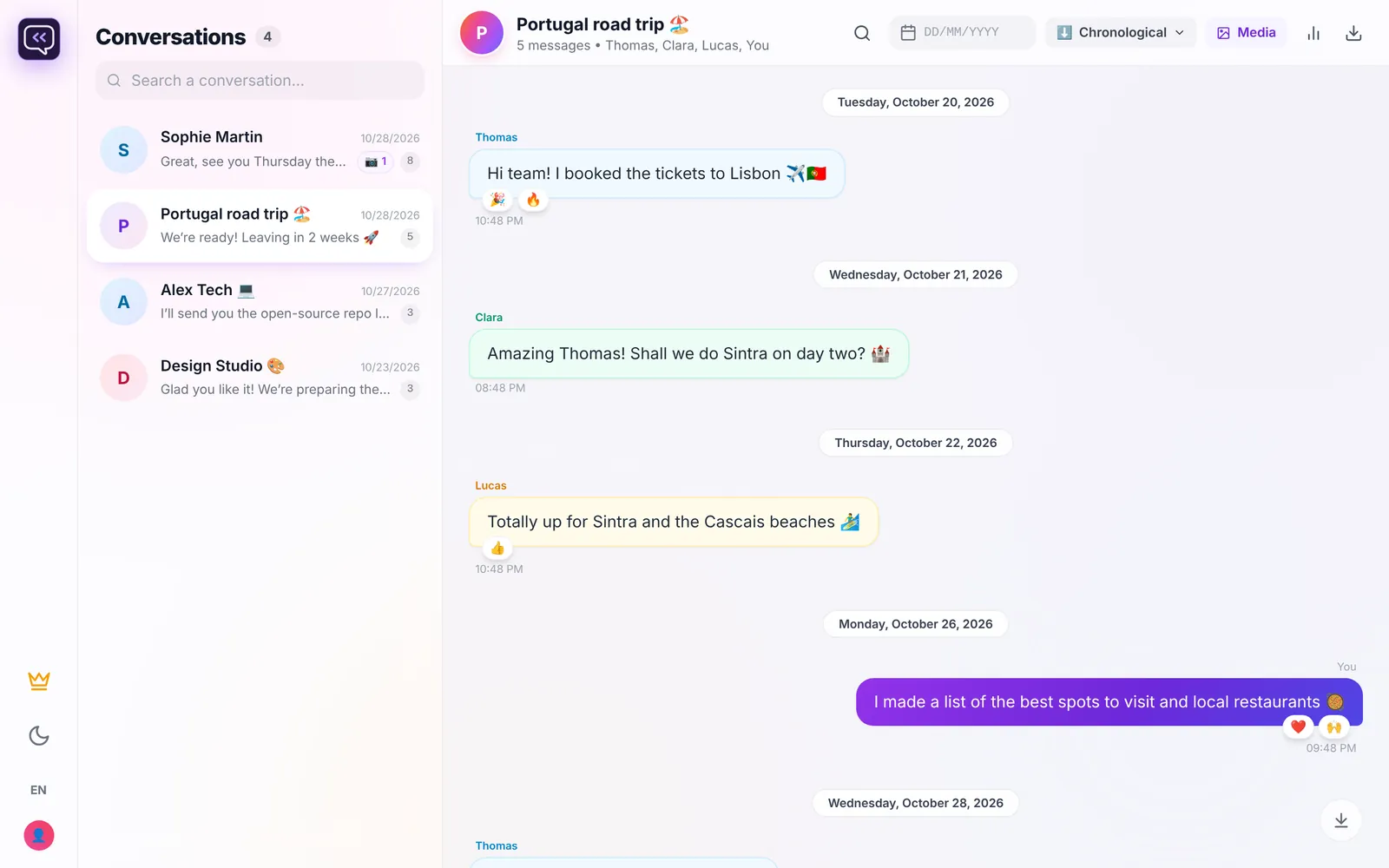
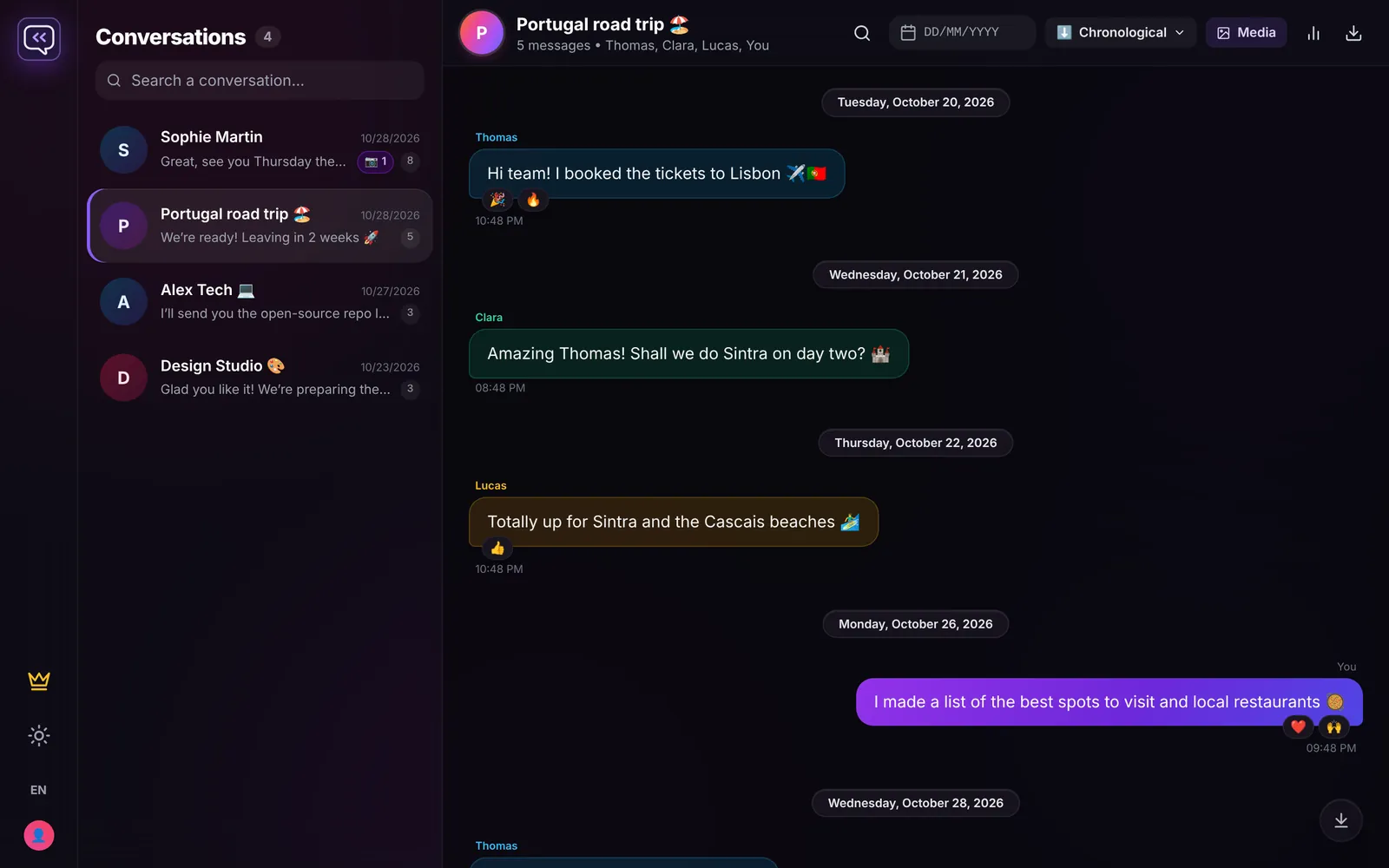
Open the conversation and tap the calendar icon in its header, then choose the day: the chat opens right there. On a computer, you can also type the date as DD/MM/YYYY.
How the date jump works
The calendar icon sits in the conversation’s header, on a phone as well. Pick a day and the chat opens at its messages. In the free version, days older than your last 300 messages are greyed out in the calendar.
If nothing was sent that day, you land on the closest message and a notification tells you. A “Go to the first message” button also takes you back to the very start of the chat.
Dates worth going back to
A birthday, the day you first talked, a trip, a conversation you only half remember: with a date in mind, you’re there in one tap instead of scrolling for an evening.
No exact date in mind? Search a word across the whole chat, or start from the first message and read forward.
Frequently asked questions
Not in Instagram: neither the app nor instagram.com has a date search or filter in chats. With your export opened in Throwback, yes: pick the day in the calendar and the conversation opens there.
Yes. You can request the export from the Instagram app, open it in Throwback in your phone’s browser and tap the calendar icon in the conversation’s header. Typing the date is a computer extra. For an export of several gigabytes, a computer is a bit more comfortable, but it’s not required.
You land on the closest message, and a notification tells you there was nothing that day.
Throwback shows the last 300 messages of every conversation for free, and you can jump to any date within them. Older days are greyed out in the calendar in the free version. To go back to any date, Full access costs €6.99, as a one-time purchase.
No. The export only concerns your account and Instagram notifies no one. Throwback reads the file on your device and never connects to your account.
No. The export only contains messages that were still there when you made the request: messages unsent or deleted before are missing.
Go to the day you’re looking for
Request your export now: Meta often has it ready within a few hours.